How to Fax Without a Fax Machine
Different Ways You Can Fax Without A Fax Machine
Email to Fax
There are now services which allow you to send a fax straight from your email account. This can be very useful for people who might be forwarding emails, or use email a lot for their business.
Mobile Apps
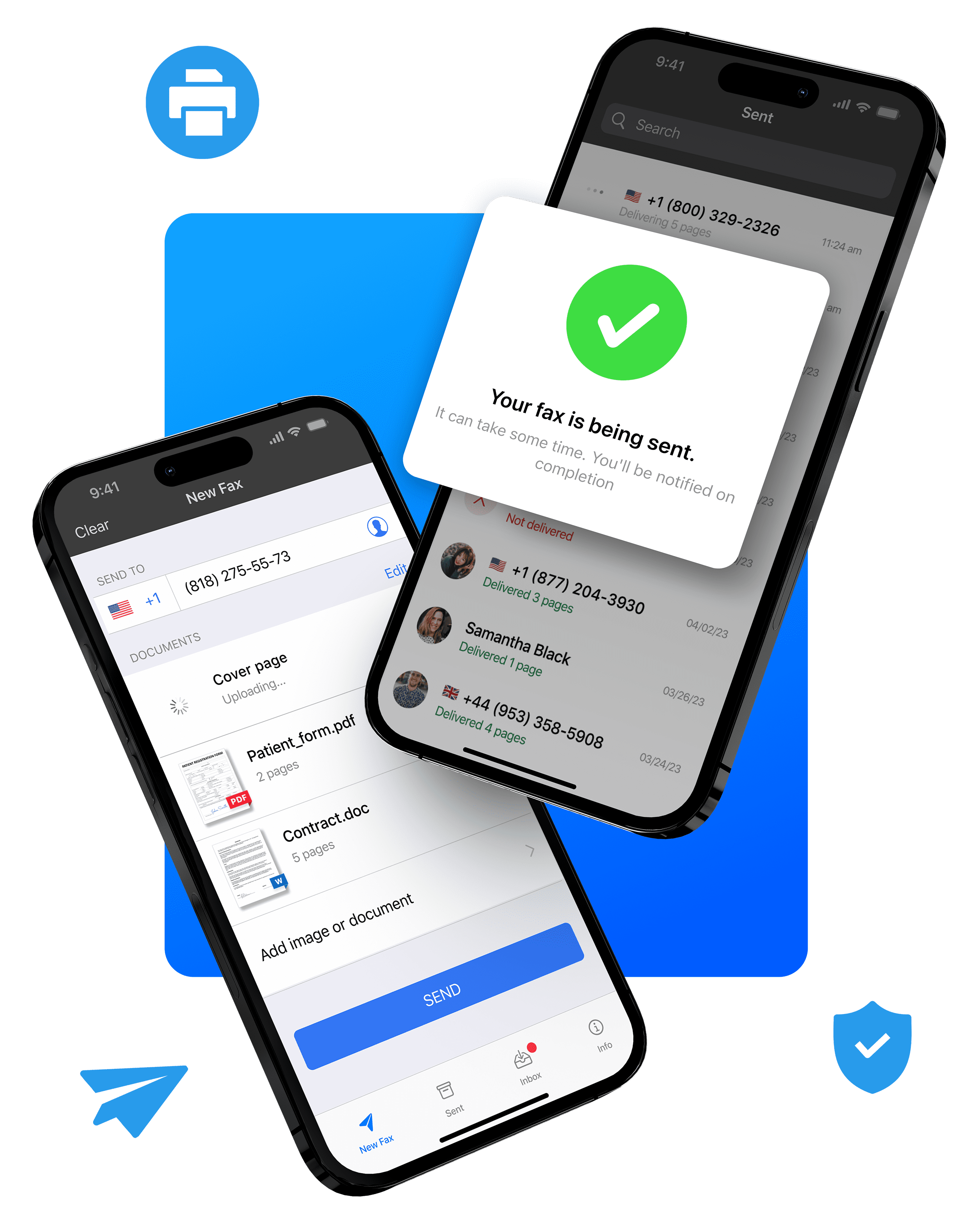
Everybody has a smart phone, and thanks to the growing popularity of mobile faxing apps, your mobile device can be converted into a fax machine in seconds. With mobile faxing apps you can scan documents, upload from the cloud, annotate or sign documents before sending and store your received faxes – from anywhere in the world.
Web Apps
Similar to mobile faxing, online web faxing services allow you to log into your account from a device connected to the internet, and send and receive faxes from your browser. This is very convenient, but lacks some of the smart features which faxing apps offer – it might be a good choice for businesses.
How To Fax Using A Mobile App
Faxing without a fax machine is best with mobile devices – everybody has a smart phone in their pockets, and they’re packed with incredible technology that fax apps can take full advantage of. You can use the camera to scan documents to a high quality, easily preparing multiple pages and creating a cover sheet, all inside the app.
Using our Android app or iPhone app, the process is simple and easy, and you can have your account set up and send your first fax in minutes.
Download the fax app using your iOS or Android mobile device
Choose a flexible subscription that works for you – it’s much cheaper than a fax machine, and you can cancel anytime.
Follow the simple instructions in the app to get your own online fax number set up – you can choose any area code that suits you, and once you are set up, you will be able to send and receive faxes.
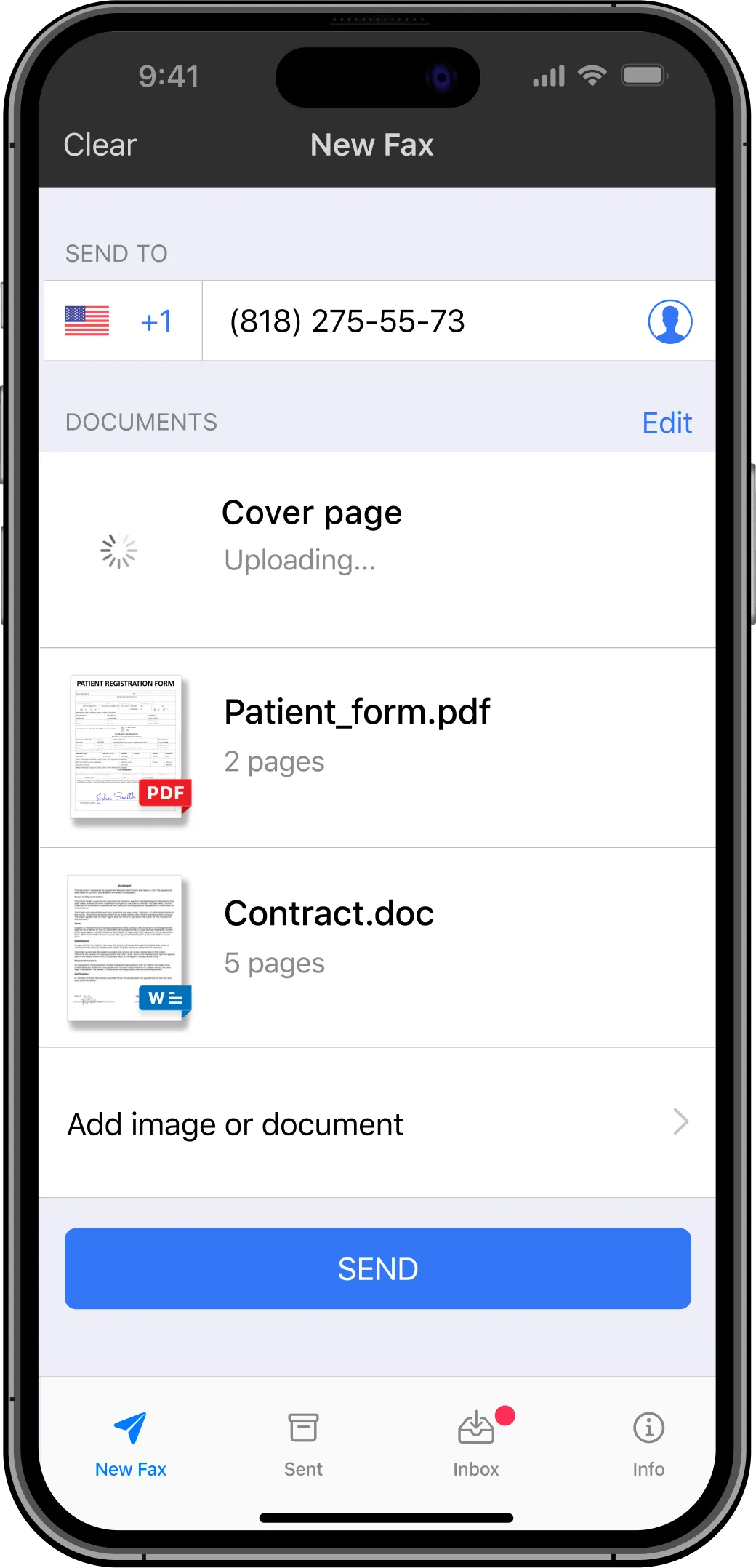
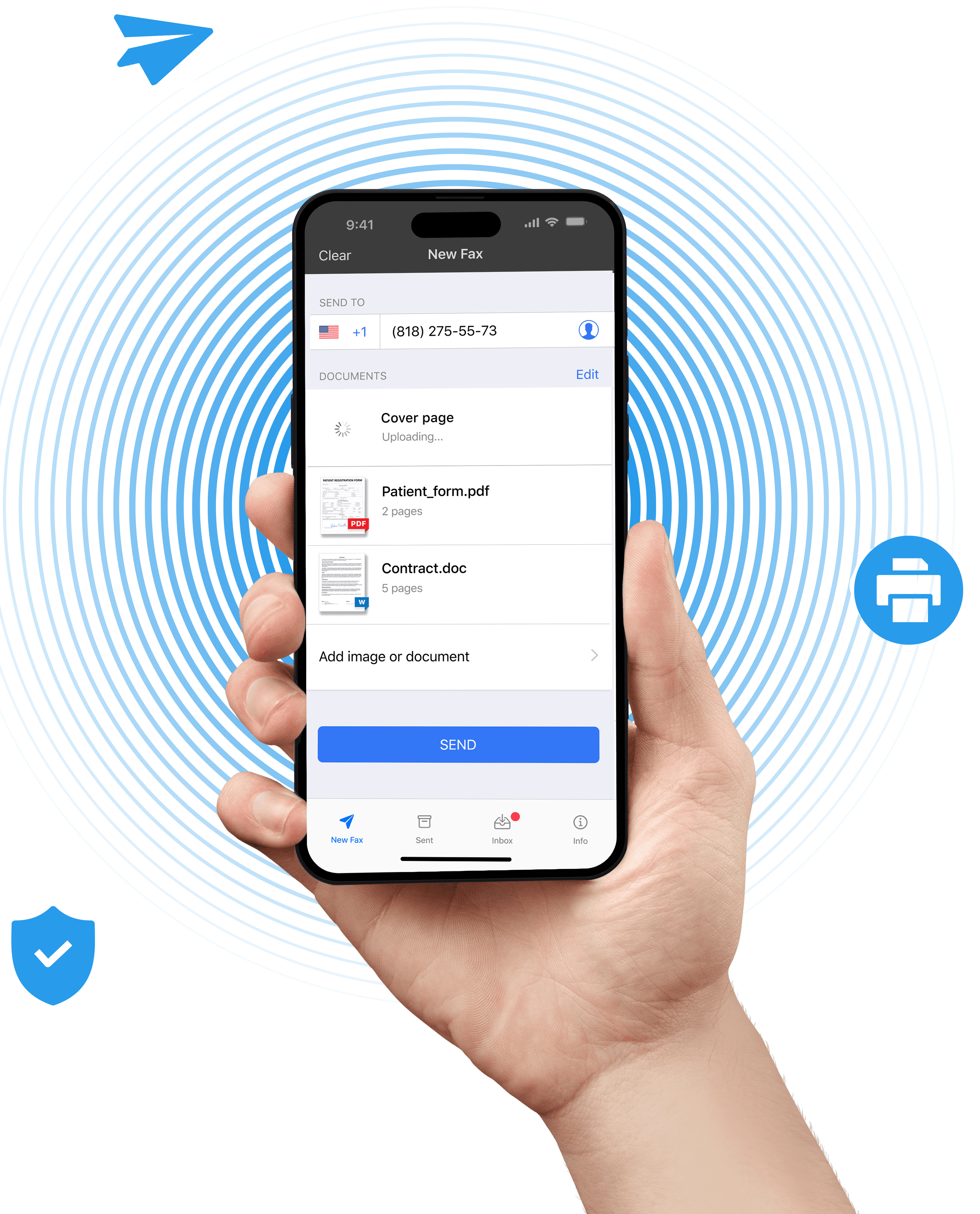
In the ‘New Fax’ section, simply enter the recipient’s fax number, add a cover page if necessary, and scan any documents you need to fax. You can also add documents from the cloud, google drive, or any other third-party system. Remember, you can fax unlimited pages with our app, at no extra cost!
Once you’re ready, hit send. You can view and get a confirmation report for all your sent faxes inside the app, so that you know they’ve been delivered.
Need to view a fax you’ve received? Just go to your inbox, where all your incoming faxes will be sent. If you lose your phone, you can recover your full account history and faxes if you contact the support team!
How To Fax Using Web Faxing
In addition to fax apps, you can use web faxing on your mobile or computer. Web fax services such as our own EveryFax are particularly popular due to their enterprise-grade functionality, and many businesses are using them for their ability to send faxes directly from a computer.
Whether you want to use web fax for personal use instead of a mobile app, or to close business deals, here’s how to get started:
Step 1
Step 2
Step 3
Step 4
Step 5
Step 6
How To Fax Using Email
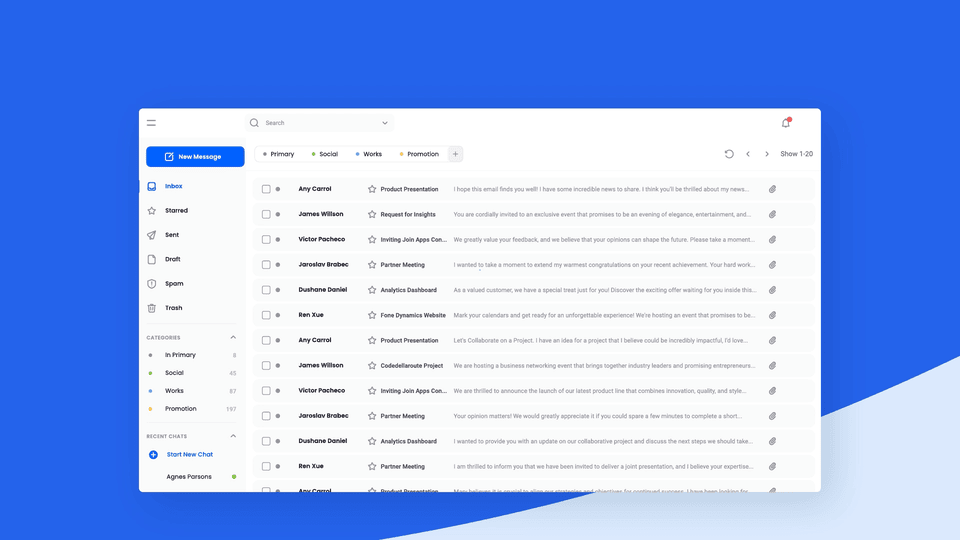
You can also send a fax directly to a fax machine from your email account, using email to fax software offered by our own EveryFax platform. Again, there is no need for a telephone line, and using just a computer or mobile device you can get all the benefits of a regular fax machine, with much more functionality. Learn more
Step 1
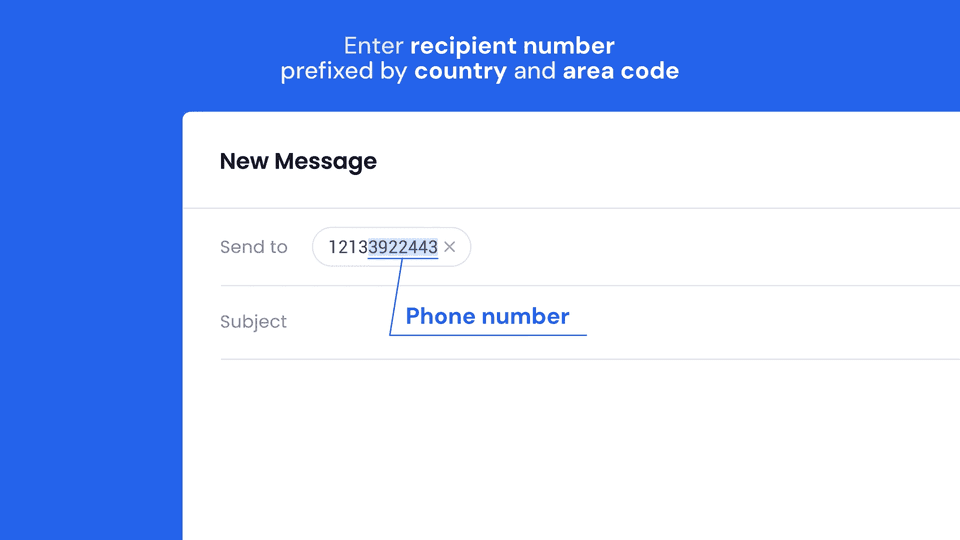
Step 2
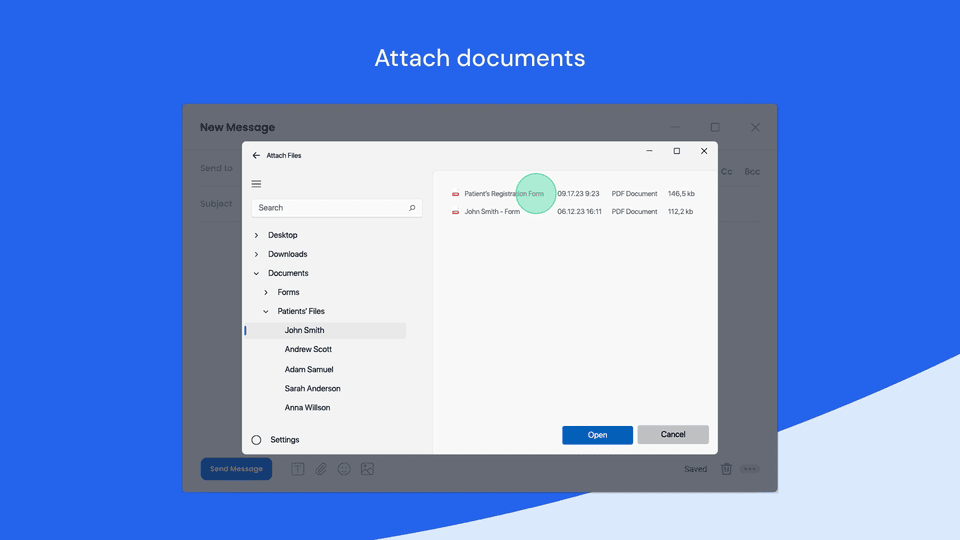
Step 3
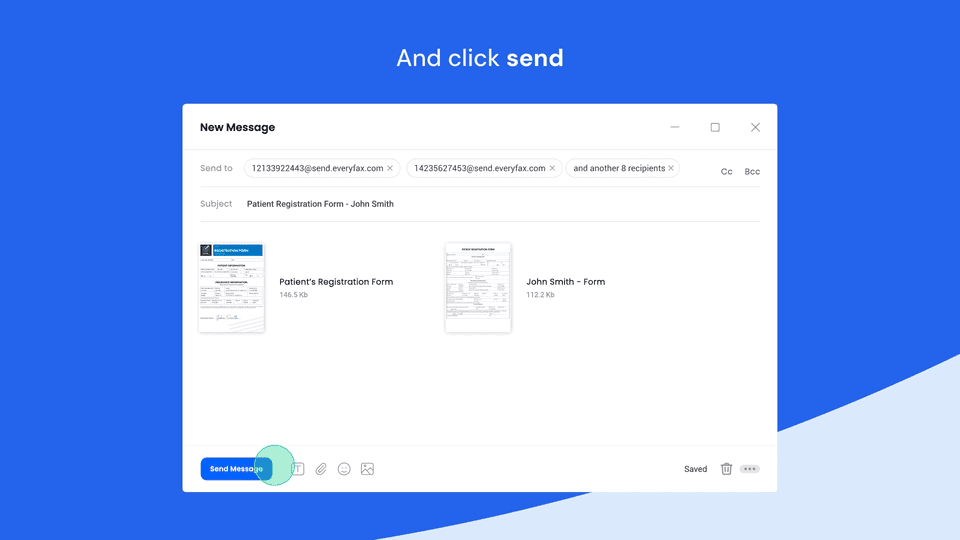
Step 4
How Secure Is Online Faxing?
Faxing is known for being very secure – security is one of the main reasons why it’s so widely used across healthcare, legal, finance, and government services. So, does online faxing have the same level of security?
The short answer is yes. Online faxing benefits from all the security of traditional faxing, and is far less targeted by cyber attacks than email servers. Our fax app and online fax services go beyond this, encrypting data using 256-bit AES and SSL data protection for transfers.
Not only can it be more secure if you choose the right service provider, but you get all the legal protections too – for example, your healthcare data has more legal privacy protections if you send it using a HIPAA compliant faxing service like ours.
How To Receive Faxes Without A Fax Machine
How To Receive Faxes Without A Fax Machine
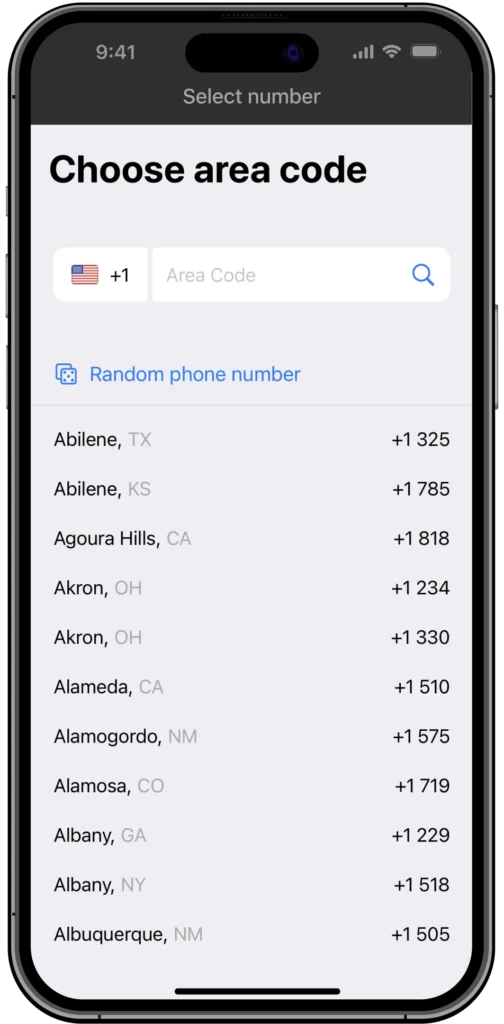
Pick Your Perfect Area Code
Traditional fax machines tie you to a local area code, but not here! Choose an area code that matches where your customers are, making your business look even more professional and local.
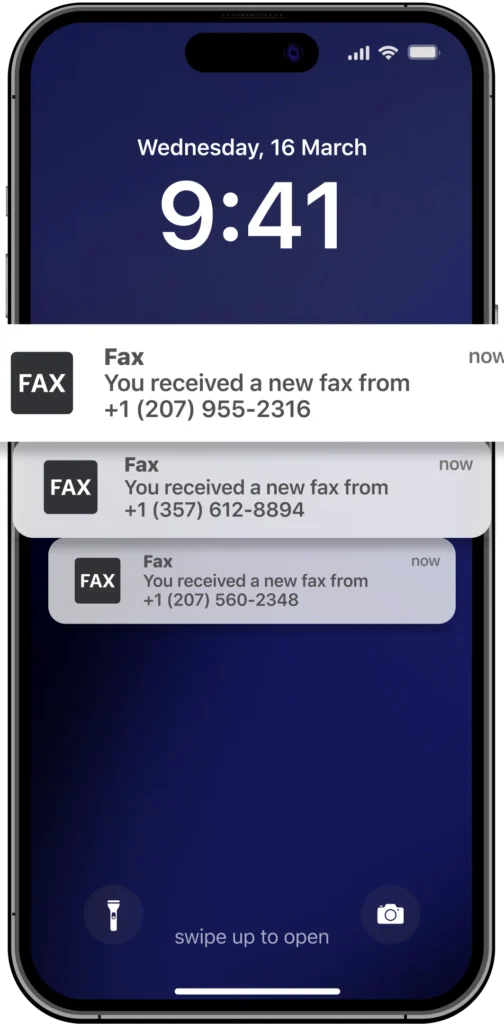
Get Faxes Straight to Your Phone
Share your number, and incoming faxes will instantly pop up in the app. View them, download them, or keep them organized—all without touching a printer.
Always Secure, Always Backed Up
Lost your phone? Don’t worry—all your faxes are safely stored and easy to recover with help from our support team.
Why Use An Online Fax Service?
It’s true that fax machines are still widely used across the US, helping people and businesses send important information every day. However, most people are finding huge benefits from moving to online faxing for a number of reasons.
Cost
Save money with low-cost subscriptions and unlimited online faxing—no expensive machines, maintenance, or per-page fees.
Convenience
Send and receive faxes anywhere, anytime, with ease—faster and more accessible than traditional fax machines.
Storage
Eliminate paper clutter—store and organize all your faxes digitally in one app.
File Formats
Fax a variety of digital files from your device or cloud storage, beyond just scanned physical documents.
Functionality
Leverage advanced tech like better scanning, cloud integration, and AI for smarter, more efficient faxing.
Support
Enjoy real-time in-app customer support from faxing experts whenever you need help.
The Environment
Go green—reduce waste by skipping paper, ink, and energy-heavy fax machines.
Start faxing now