Read Our Latest Blogs
how-to
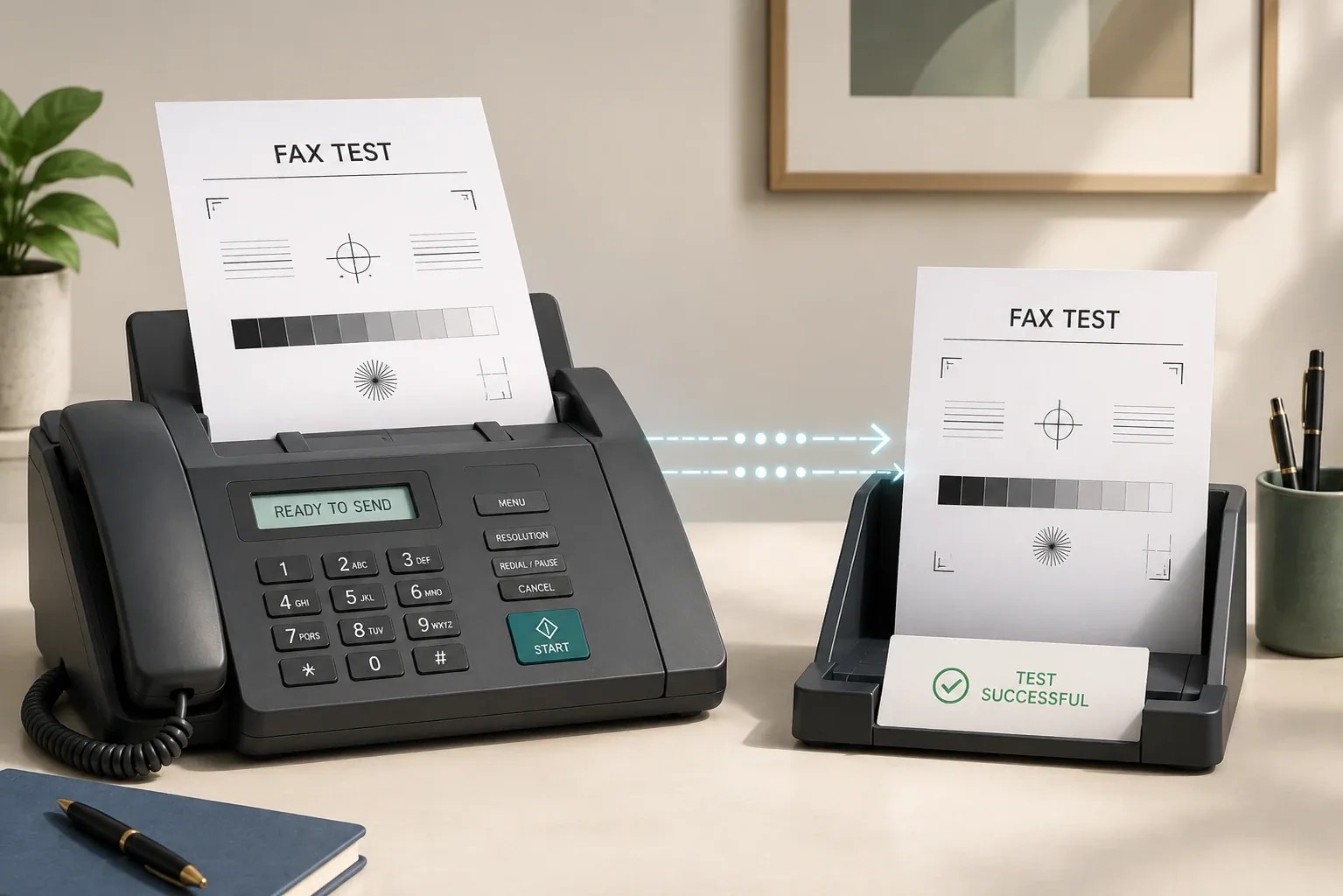
How To Send A Test Fax To Any Fax Number
Quick answer: A test fax is a throwaway fax you send before the real one, to confirm the line works and the recipient's number is right. The quickest way is a fax app — with Municorn Fax you can send a free test from a free account before you subscribe, and get a delivery confirmation back. To
how-to
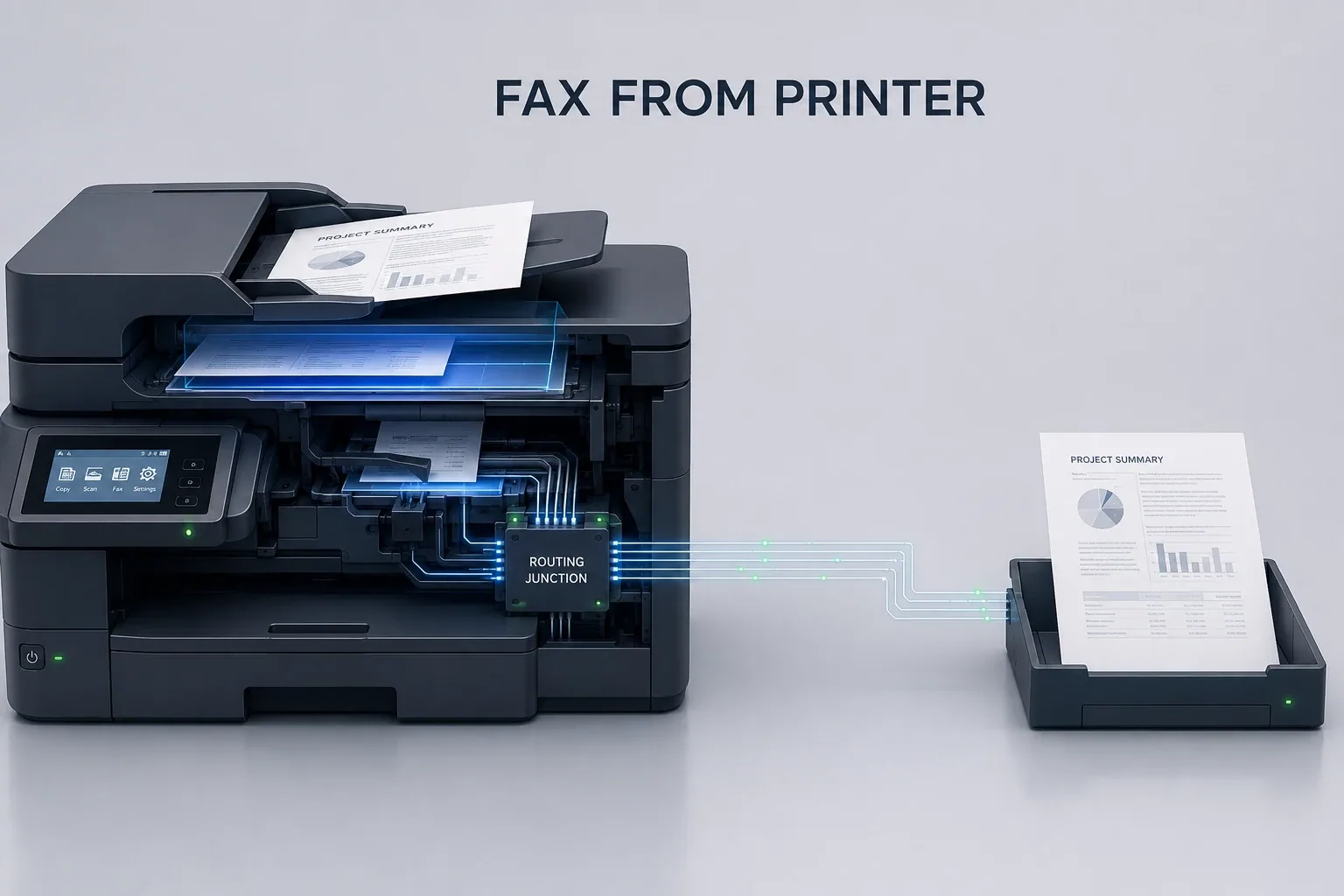
How To Send Faxes From A Printer
Quick answer: Yes — many multi-function (all-in-one) printers can send faxes, as long as they have a built-in fax modem and a phone line connected. You load your document, open the fax menu, enter the recipient's number, and send. But only around 1 in 4 printers can fax, and you also need a la
how-to
How to Fax from iPhone: Step-by-Step
Quick answer: To fax from an iPhone, open a fax app, add or scan your document, type in the recipient's fax number and tap send — it takes about two minutes. There's no fax feature built into the iPhone itself , so you're always using a fax app or a fax website to do it. Below is the full walk
how-to
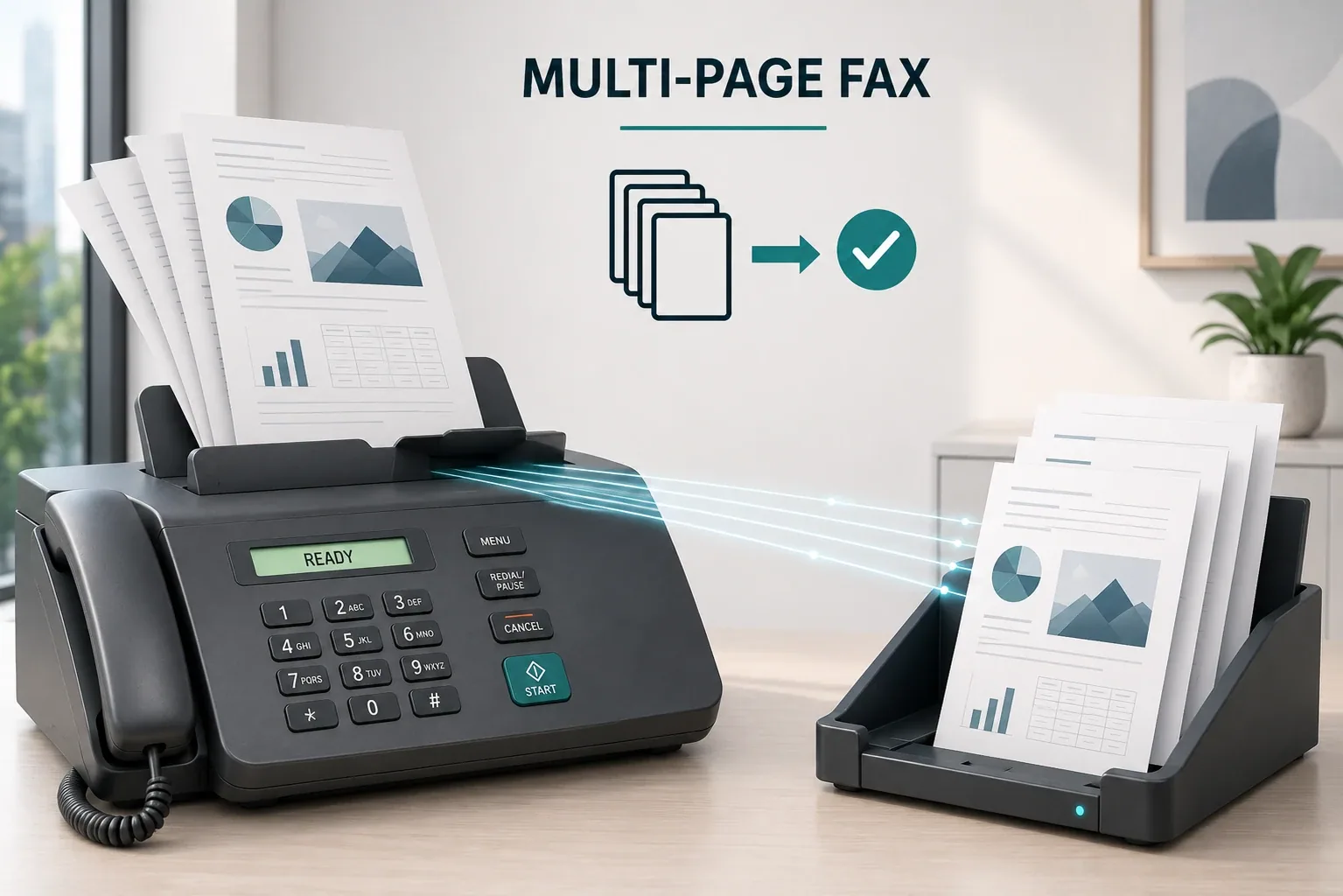
How to Fax Multiple Pages at Once (2026)
Quick answer: To fax multiple pages at once, get them in order first. On a fax machine, stack the pages in the automatic document feeder (staples out, edges straight) and send them as one transmission. With an online service like Municorn Fax, upload all the files, drag them into the right order, an
how-to
How to Fax From a Mac: 5 Methods, Walked Through (2026)
Guide updated April 21, 2026 — tested on macOS Sequoia 15.4 Quick answer: Macs no longer have a built-in fax modem, but you can still fax from one. The five ways in 2026 are the built-in macOS printer route (needs a landline), the Municorn Fax app (via iPhone Mirroring or the native Mac app ),
how-to
How Long Does a Fax Take? (2026)
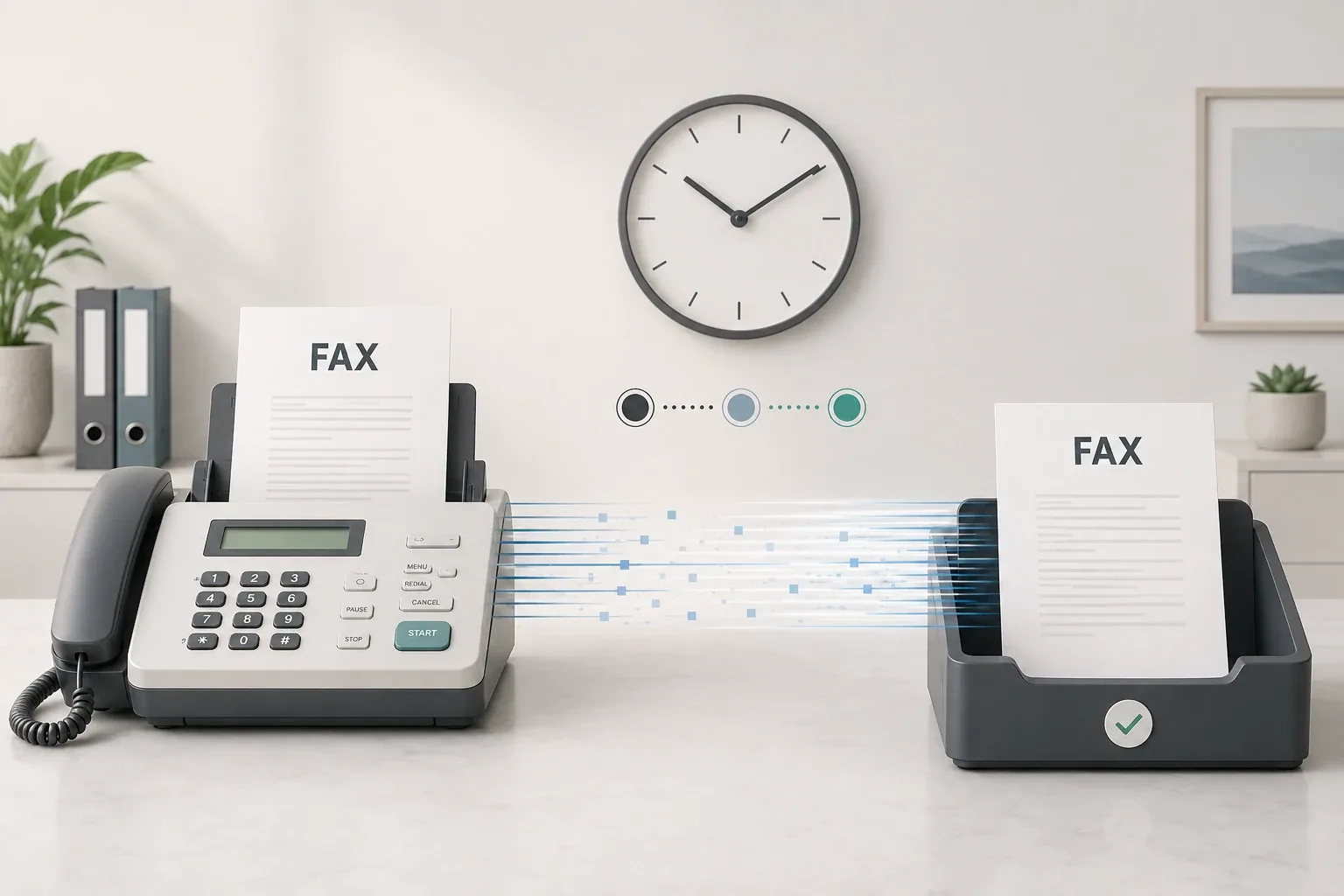
Quick answer: Most faxes take about 30 seconds to 2 minutes per page. A single page is usually through in around a minute; a 10-page document takes roughly 10–15 minutes. Online fax services like Municorn Fax are often faster because they skip the phone line and send over the internet. Page co
how-to
Fax Confirmation Pages: Proof Your Fax Was Delivered (2026)
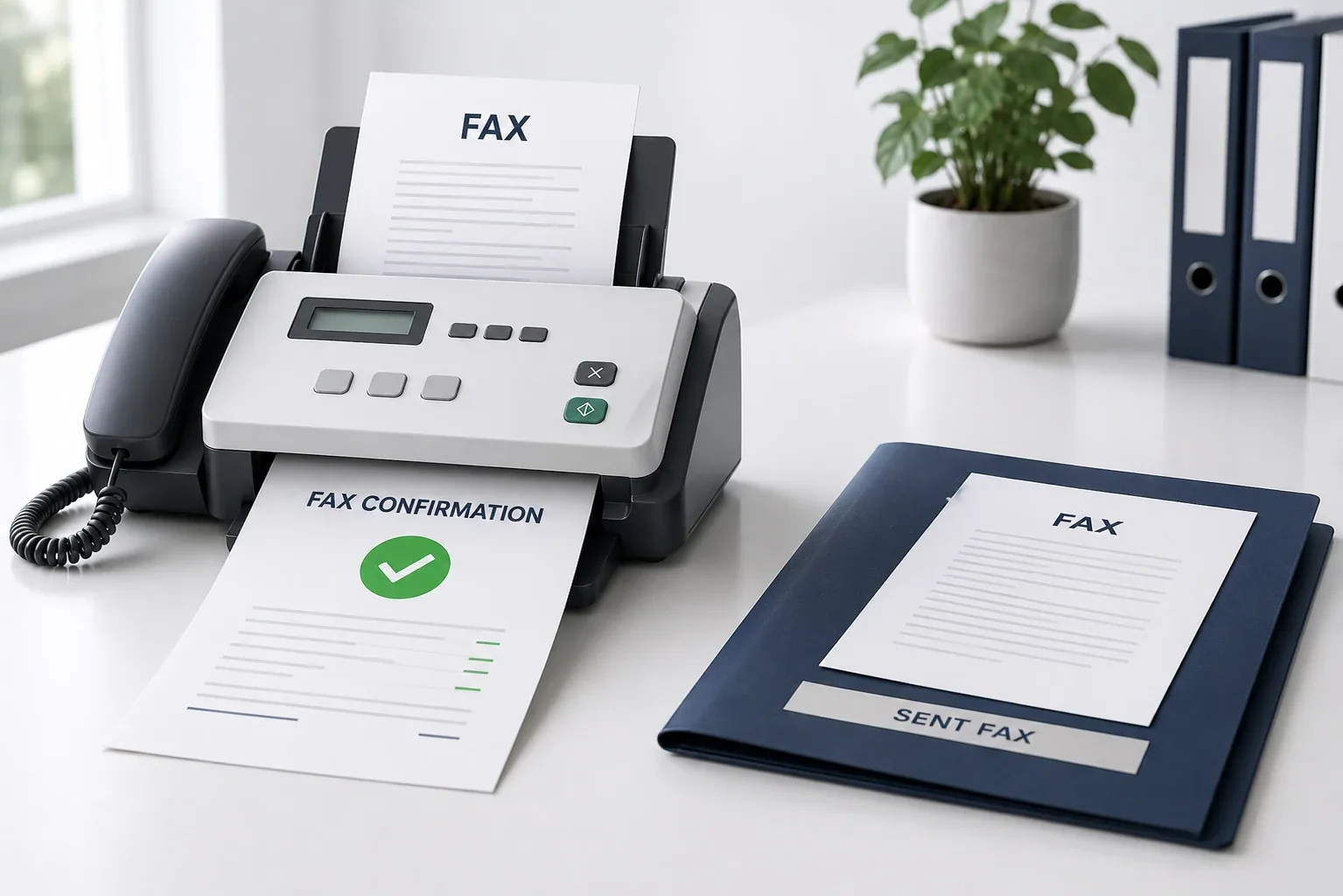
Quick answer: Yes — faxing gives you proof of delivery, unlike email. Every fax produces a confirmation page: a transmission receipt showing the sender and recipient numbers, the page count, and, most importantly, the time, date and delivery status. It's a standard feature of both fax machines
how-to
What Is a Fax, and How Does It Work? (2026)
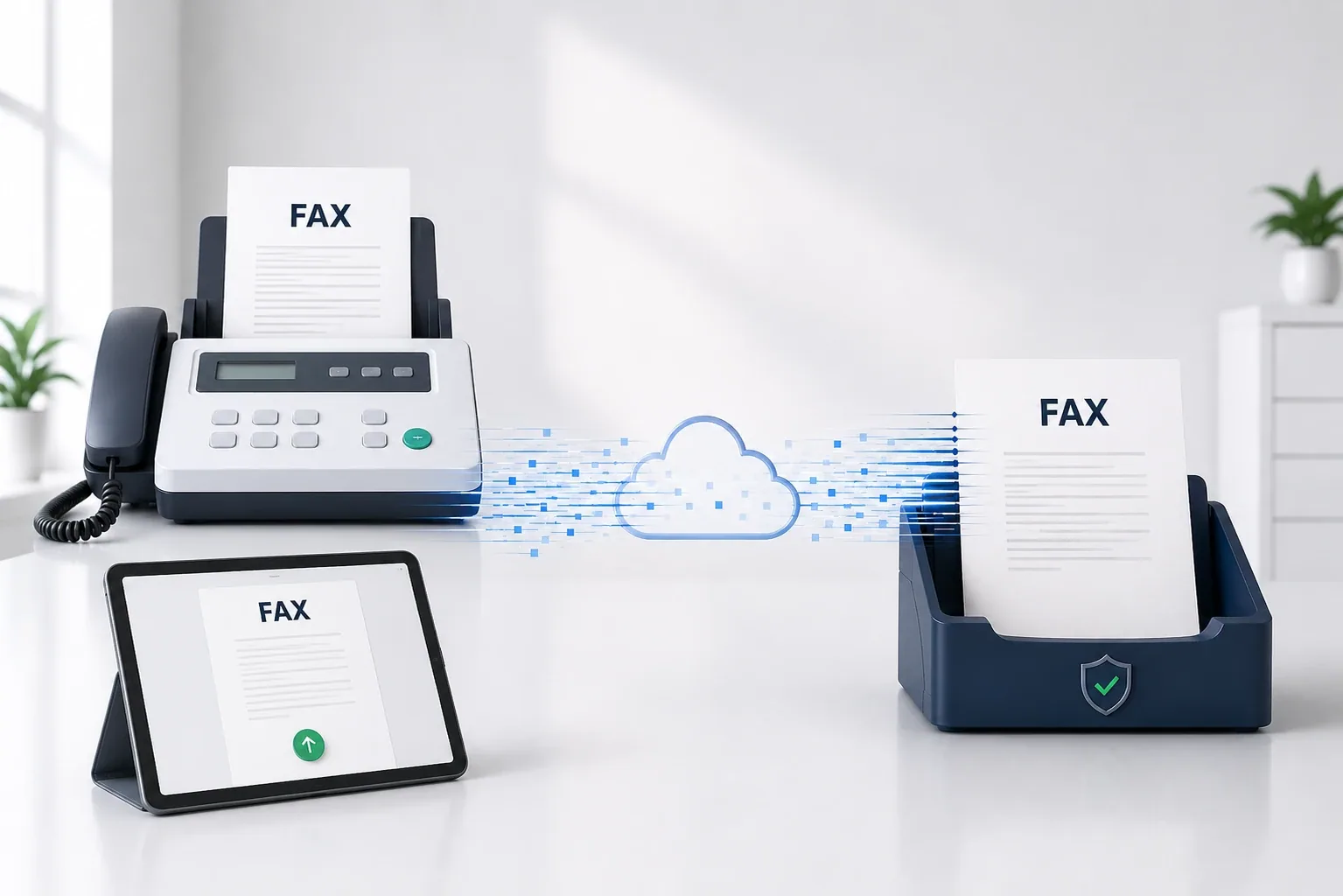
Quick answer: A fax (short for facsimile) is a way to send a document over phone lines — a machine scans the page, converts it to audio tones, transmits them, and the receiving machine decodes them and prints a copy. Invented in 1843, faxing is still everywhere in healthcare, law, finance and
Can You Fax at Kroger? 2026 Costs, How It Works & Alternatives
Quick answer: Yes — most Kroger stores offer staff-assisted faxing at the customer service (Money Services) desk, though availability varies and it’s being phased out at some locations, so call ahead. It’s about $2 for the first page and $1 for each additional page , with no charge
how-to
How to Fax a PDF (2026)
Quick answer: The easiest way to fax a PDF is with an online fax service — no machine or phone line needed. From your phone, open the Municorn Fax app, start a new fax, attach the PDF from your files or cloud storage, and send. You can also email the PDF through a service like EveryFax, or use
how-to
Can You Fax a Check? (2026)
Quick answer: Yes, you can fax a check — but whether it's accepted depends on the recipient. A fax sends an image, not the original signed paper, so many banks and businesses (and the IRS, for tax payments) require the original to actually process a payment. Faxed checks are more often used to
how-to
How To Fax From Google Drive
Quick answer: Google Drive has no built-in fax feature, but you can still fax any Google Doc or file. The two easiest ways: attach it straight from Drive in the Municorn Fax app and send, or attach a Drive file to a Gmail message and send it through an email-to-fax service like EveryFax. Here's each