Read Our Latest Blogs
how-to
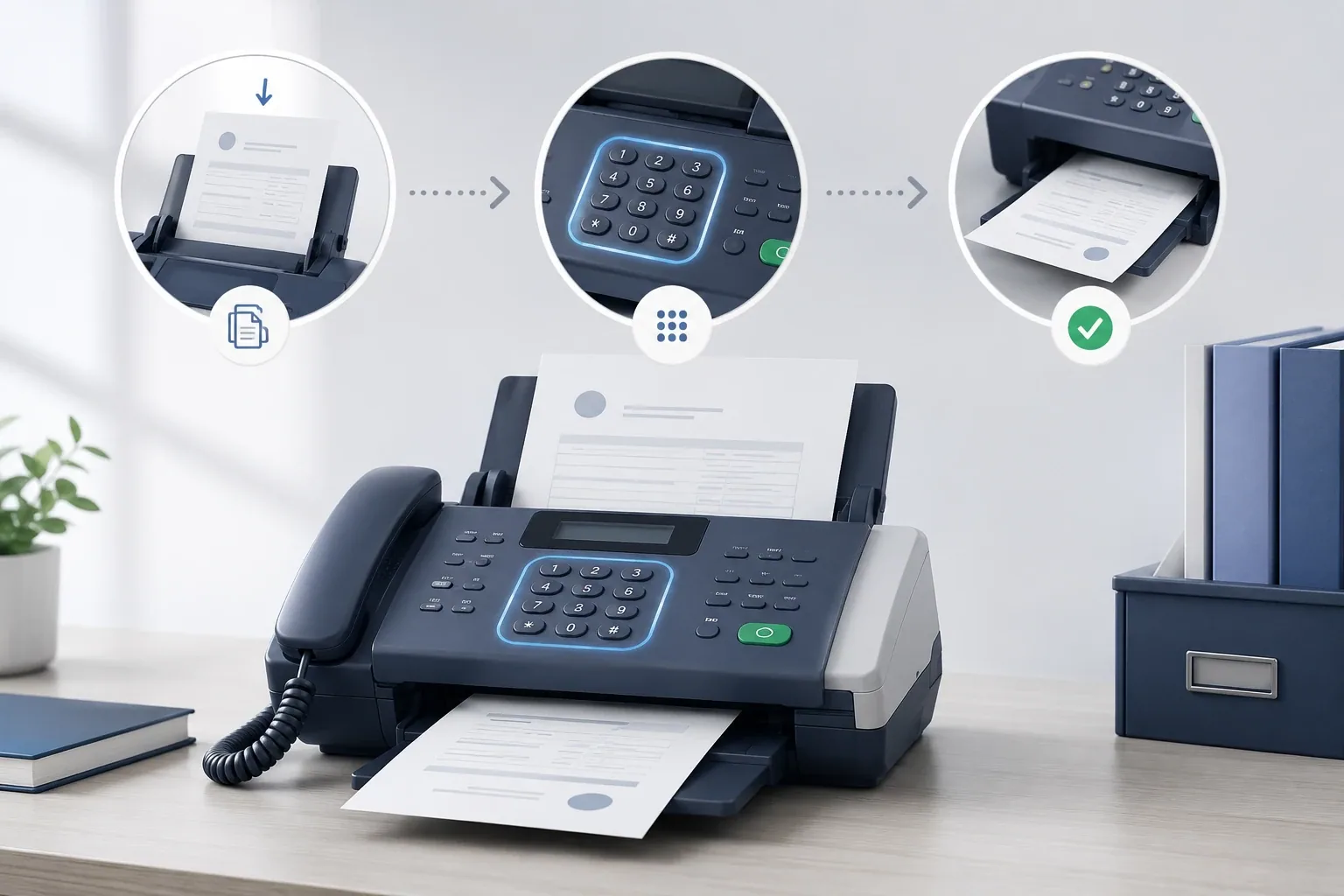
How to Use a Fax Machine (2026)
Quick answer: Using a fax machine is simple. Load your document face-down in the feeder or on the glass, dial the recipient's fax number (add a "1" and the area code for long distance, or the country code for international), then press send and wait for the confirmation page. Below we walk through i
how-to
Is Online Fax Secure? (2026)
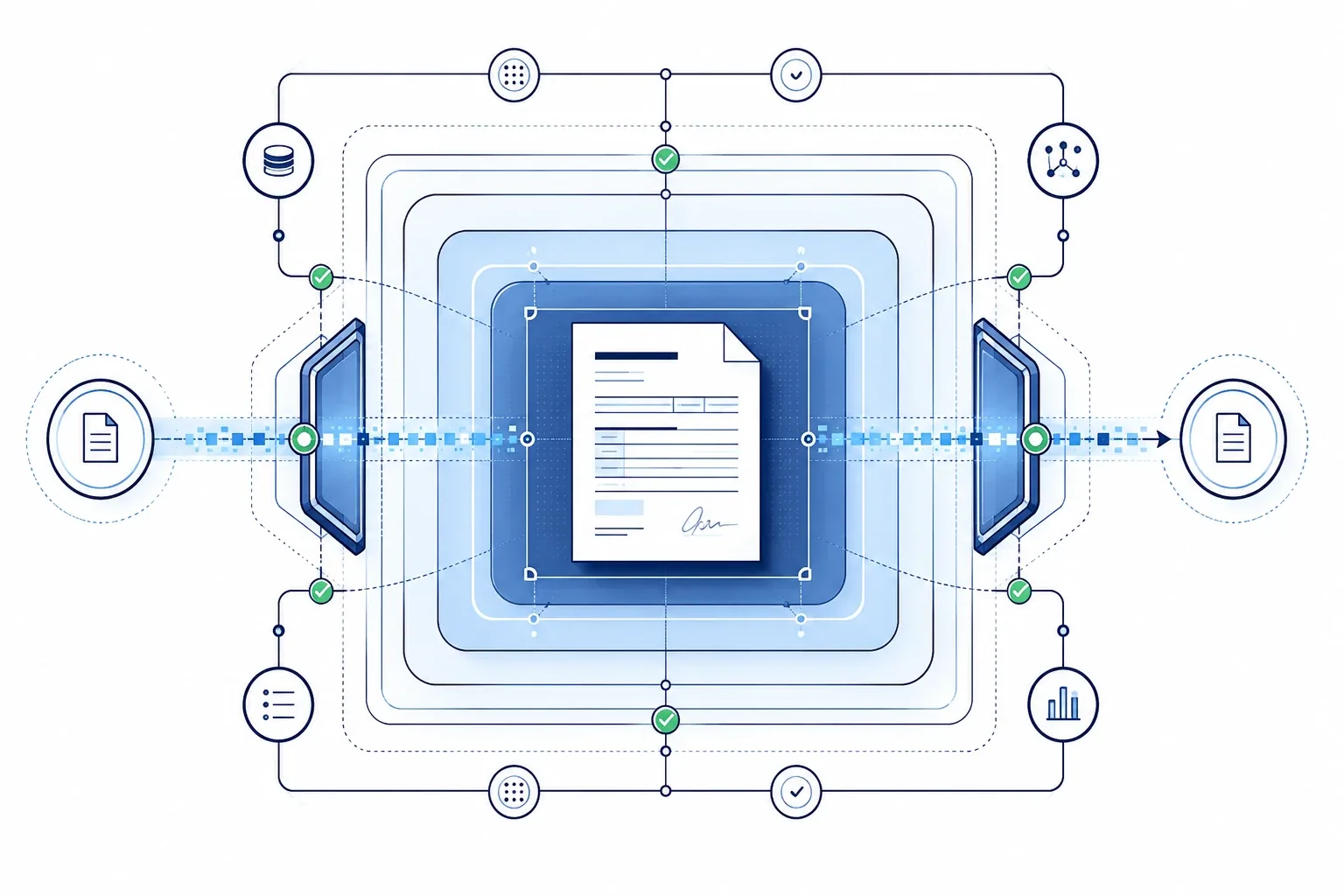
Quick answer: Yes — online fax is secure, and in most respects more secure than email. It rests on two foundations: strong technical protection (AES-256 encryption at rest, TLS 1.2+ in transit, a point-to-point PSTN handoff, and no clickable payload for phishing) and strong legal protection (H
how-to
VA Benefits by Fax (2026)
Quick answer: Veterans can submit VA benefits forms and evidence by fax, which is often faster than mail and gives you a delivery confirmation as proof. Disability compensation claims (VA Form 21-526EZ) go to the VA Claims Intake Center in Janesville, WI: fax 844-531-7818 inside the U.S., or 248-524
how-to
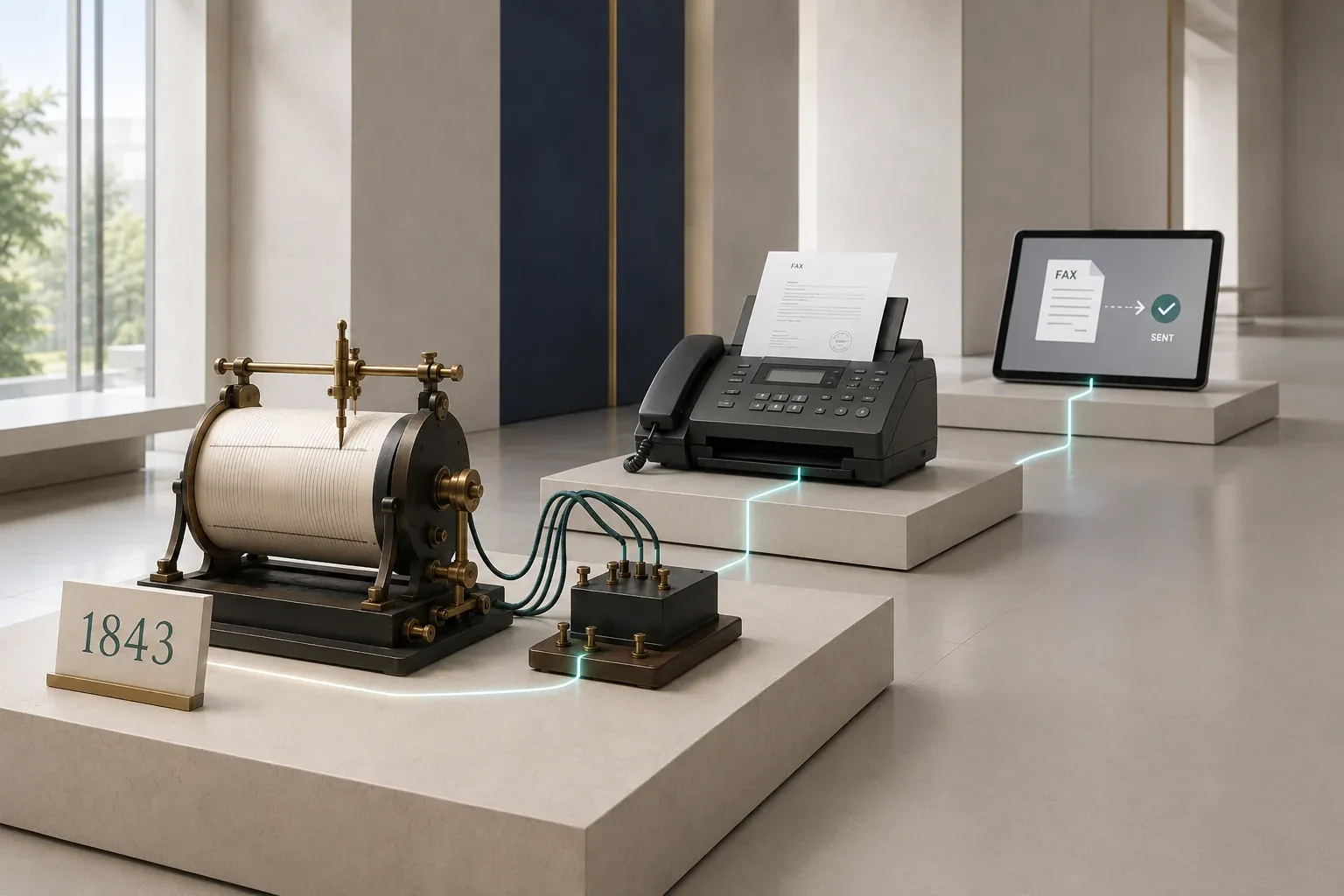
History of the Fax Machine: When was the Fax Machine Invented
Quick answer: The fax machine is older than most people think. The first facsimile patent was Alexander Bain's "Electric Printing Telegraph" in 1843; Giovanni Caselli's pantelegraph became the first practical version in the 1860s, carrying signatures and contracts between Paris and Lyon. The first c
how-to
How To Fax Medical Records
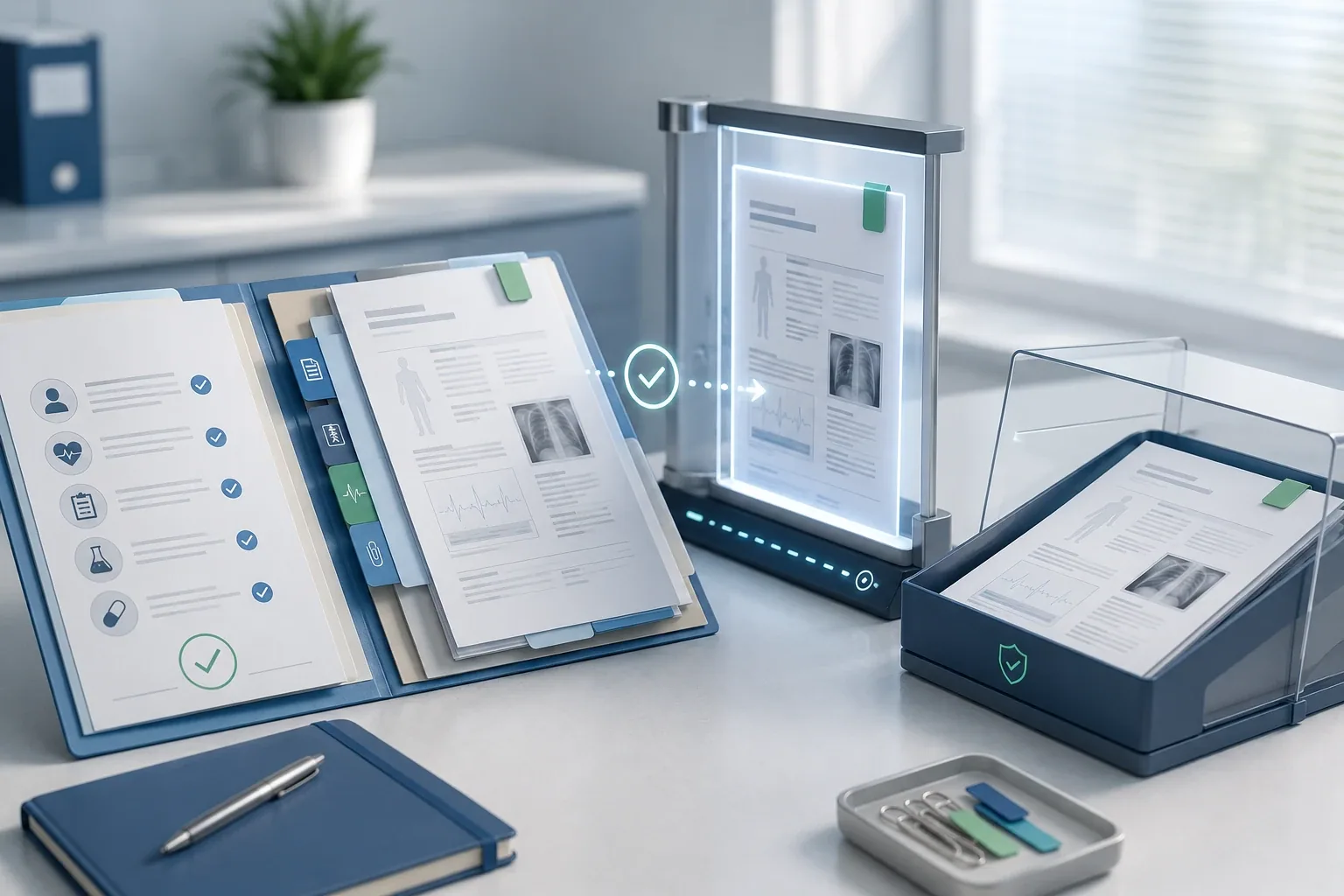
Quick answer: You don't need a fax machine to fax your medical records. An online fax service like Municorn Fax turns your phone or computer into one — get a fax number, add or scan your documents, attach a HIPAA cover sheet, and send. It takes about five minutes, it's cheaper than buying a ma
how-to
What Is HIPAA? The Complete Guide (2026)
Quick answer: HIPAA is the 1996 US law that governs how your health information is protected. It sets five main rules, gives you real rights over your records, and penalises anyone who mishandles them. Faxing became healthcare's default secure channel because a compliant fax service — one that
how-to
How to Scan and Fax From an iPhone (2026)
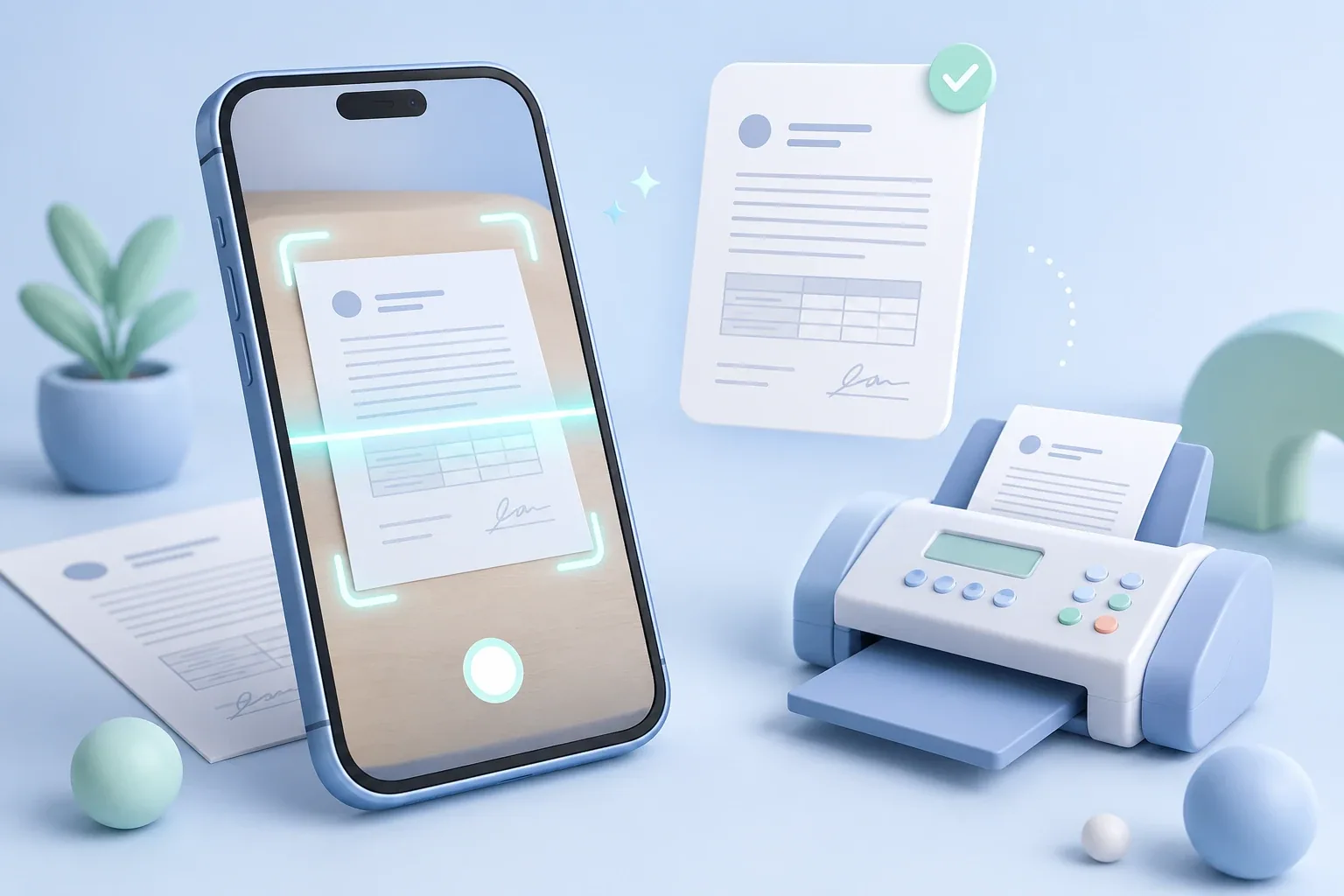
Quick answer: To scan and fax from an iPhone, open a fax app like Municorn Fax, tap New Fax, and choose Scan Documents. Point your camera at the page — it finds the edges and captures it as a PDF on its own — add the recipient's fax number, then send. You'll get a delivery receipt back i
how-to
How to Fax From an iPad (2026)
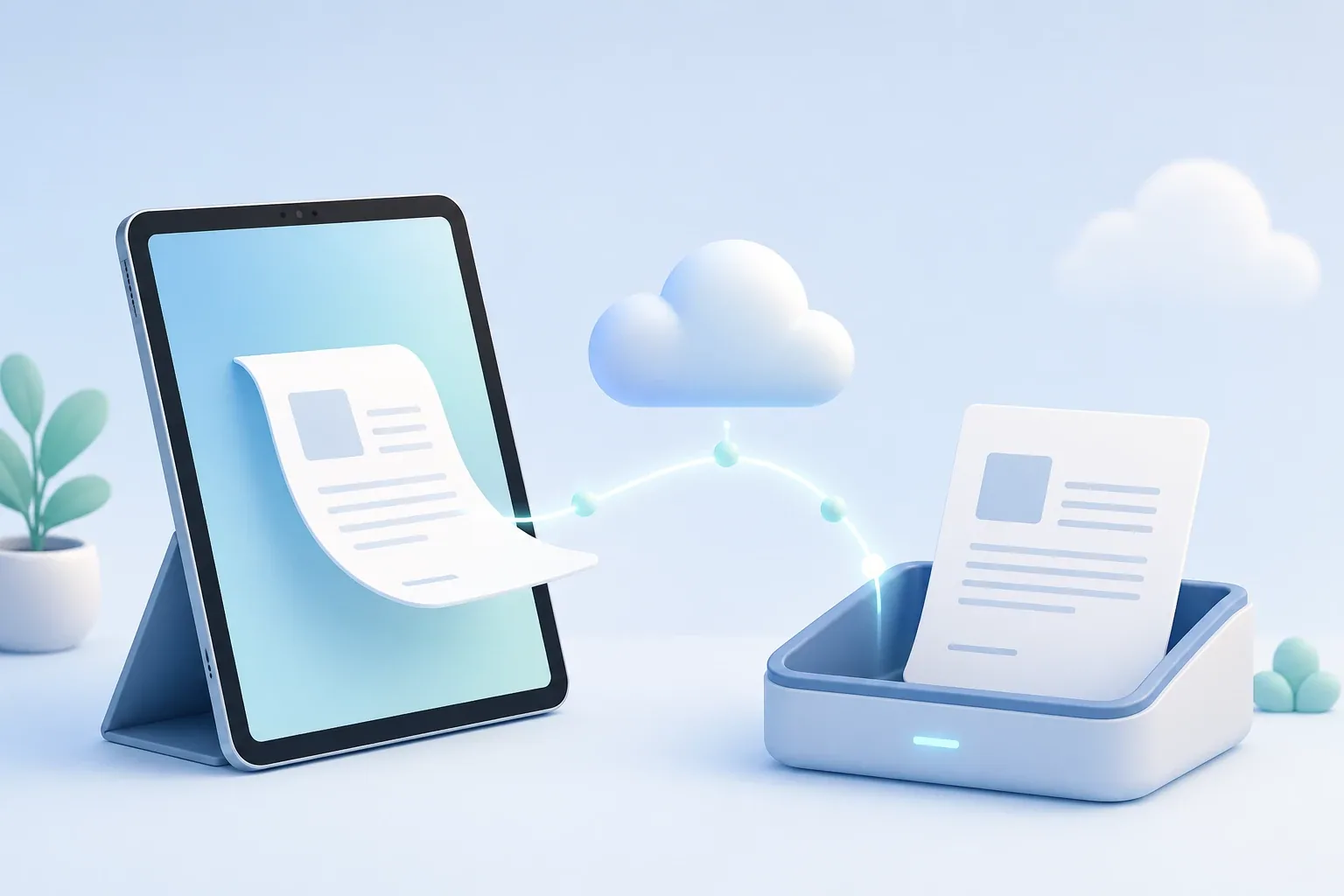
Quick answer: The iPad has no built-in fax feature, so you fax with a third-party app or online service. Install one like Municorn Fax from the App Store, sign up, and pick a fax number. Then scan a page with the camera or attach a file, enter the recipient's fax number, and send — the iPad's
how-to
How to Fax From Your Phone (2026)
Quick answer: Yes — you can fax from your phone with no fax machine and no phone line. There are three ways to do it: a fax app, a web browser, or email. An app like Municorn Fax is the smoothest if you fax more than once in a while; the browser and email routes, through EveryFax, need nothing
how-to
How to Fax Without a Phone Line
Quick answer: To fax without a phone line, skip the machine and use an online fax service instead — from a mobile app, a web browser, or your email. Sign up with something like Municorn Fax (or EveryFax for web and email), pick your own fax number, attach your document, and send it over the in
how-to
How to Fax From an iPhone Without an App (2026)
Quick answer: Yes — you can fax from an iPhone without downloading anything, in two ways. Either fax straight from your browser (Safari, Chrome, any of them) by logging into an online fax service's website, or use email-to-fax and send it from your normal Mail app. Both need only an internet c
how-to
How to Fax From Outlook (2026)
Quick answer: Yes — and you don't need a fax add-in or any software. Outlook has no built-in fax button (nor does Microsoft 365), so you sign up with an email-to-fax service like EveryFax, then compose a normal Outlook email: put the recipient's fax number plus your gateway domain in the To fi