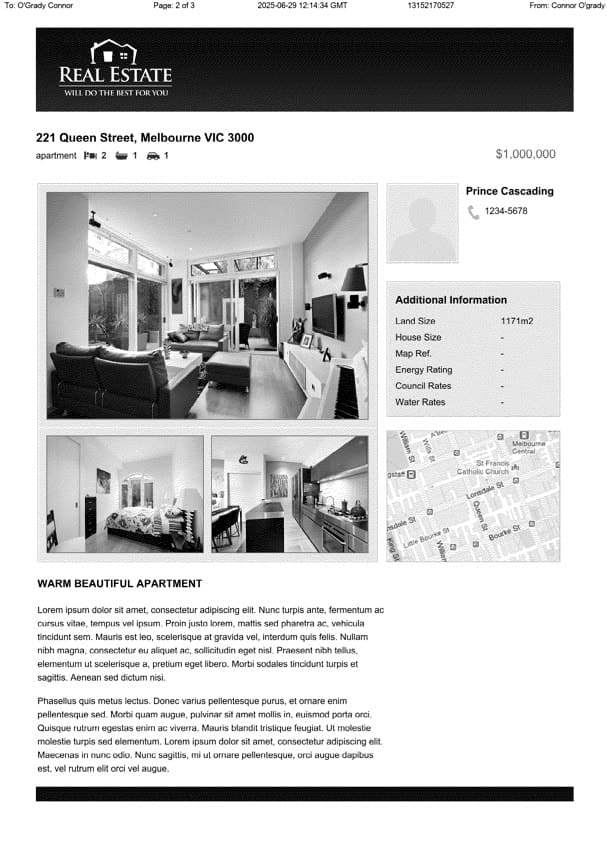
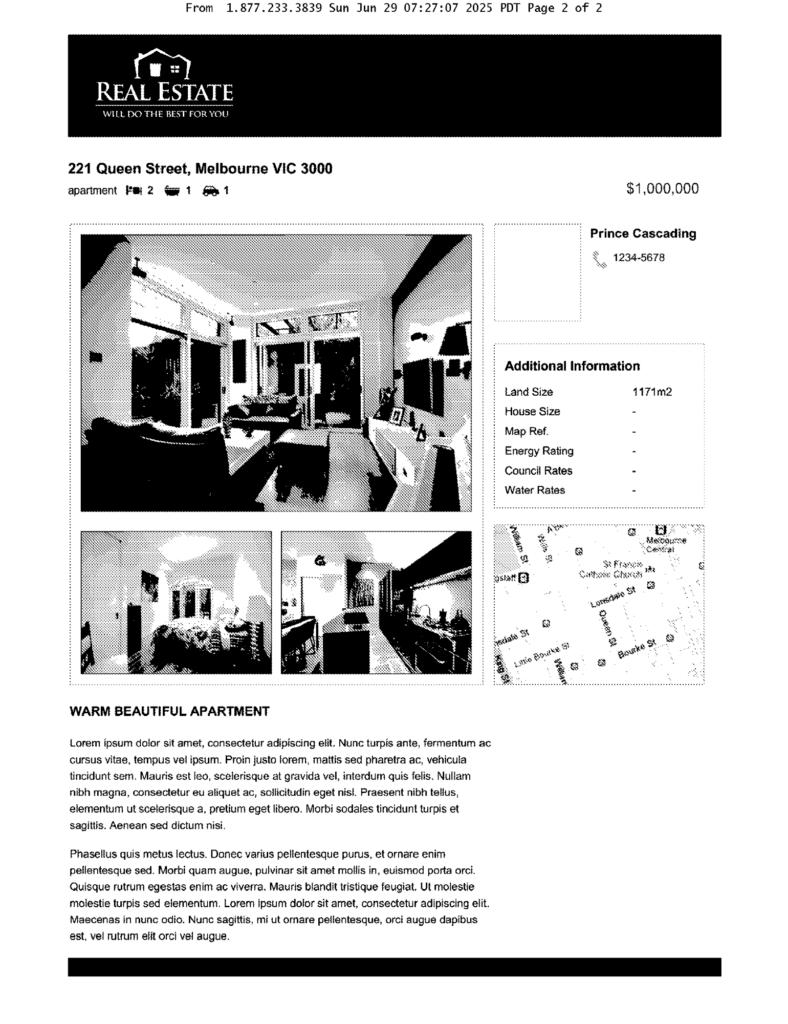
It must be said that eFax can send faxes to a very high quality – as good as any high end fax machine, and the quality you would expect from a paid service. This is obvious from our brochure fax page – the detail of the pictures is sharp and clear, and the map image still has great detail. You can see this below.
For contrast, we can compare this fax to the same page below, which was sent using a website that offers free faxing online. You can see for yourself the difference in detail between the eFax page above, and the free fax service – the free fax below has captured much less detail in the images, lots of the shading and lines have gone, and the map picture has lost most of the detail. eFax is obviously much better, and almost as good as it gets for fax quality.
Now let’s talk about faxing speed. Speed can be a really important factor for faxing – we often use faxing to send very important information, and it’s important that our faxes send quickly. For example, if you’re dealing with insurance, you might even be on the phone to your provider while you fax them the documents – I’ve been in this situation before, and it’s always awkward while you both wait for the transmission to complete!
I sent a fax with eFax using the regular web portal and the email-to-fax option. In both cases, the 2-page fax (and a cover page) took 10 minutes to send. This was a slightly disappointing result – I used the Municorn Fax App to send the same fax, and it only took 5 minutes to send.
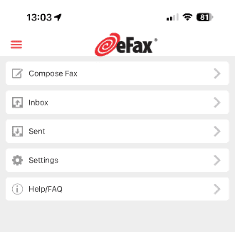
eFax has some basic features that other online faxing services offer, including electronic signatures, document-editing, and in-app document scanning when using eFax on your phone. You can save your own signatures, which is a nice option if you need to send signed documents over fax. There’s also an option to send faxes at a ‘higher quality’ or a ‘standard quality’. It’s not clear why anyone would ever use the lower quality option when you’re on a paid plan, and it isn’t obvious if you get charged more to use high quality – this didn’t happen to me though.
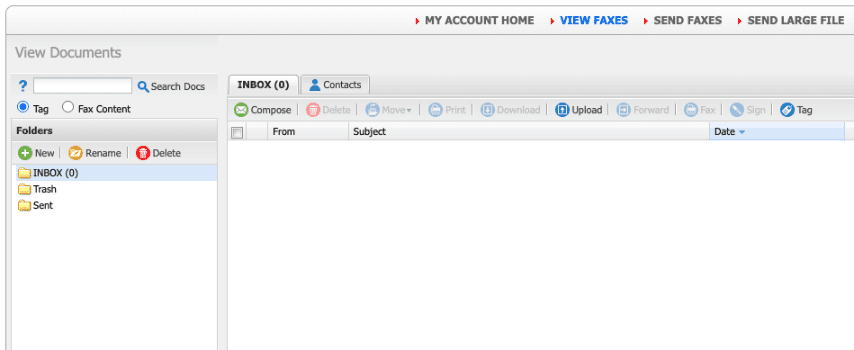
Other strong features include a wide range of supported file formats, including all the standard formats people use – this means you won’t have to waste time converting your documents before sending them. It’s quite easy to upload faxes and share files to other storage services like Google Drive – just hit the share button on mobile, or the download button on the web page. eFax lets you customize how you get notified, and I was quite satisfied with the email notifications – you can choose to get push notifications or email updates for any faxes you send or receive, or just receive faxes directly to your email.
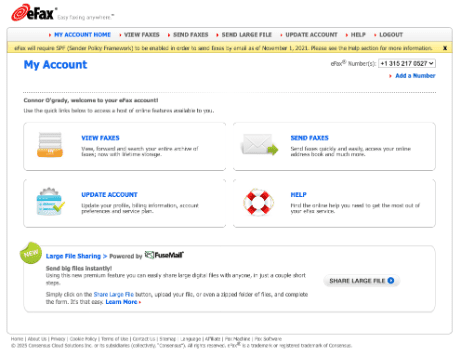
Finally, something I really liked was the option to share large files over fax – eFax has partnered with FuseMail to enable very large files to be sent, which is something many other fax services don’t offer. It’s always annoying when a file is too large for an email, so this is a really great feature.
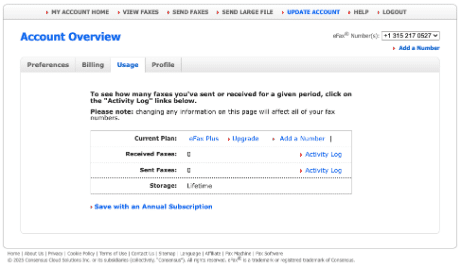
However, eFax is still lacking in a few key ways. For example, you cannot schedule send your faxes, and you can only use electronic signatures on the phone app, not on the web version. I also found that some of the information eFax gives you is wrong and out-of-date – for example, the ‘Account Overview’ told me that I’d sent and received 0 fax pages. This wasn’t true, and it makes tracking your fax pages difficult, since once you hit your limit you have to pay extra.
Overall, eFax is a high-quality service, but with a few missing or broken features and a slightly slower-than-standard speed, it scores a 4/5.