MyFax is below average on user-friendliness, for many reasons.
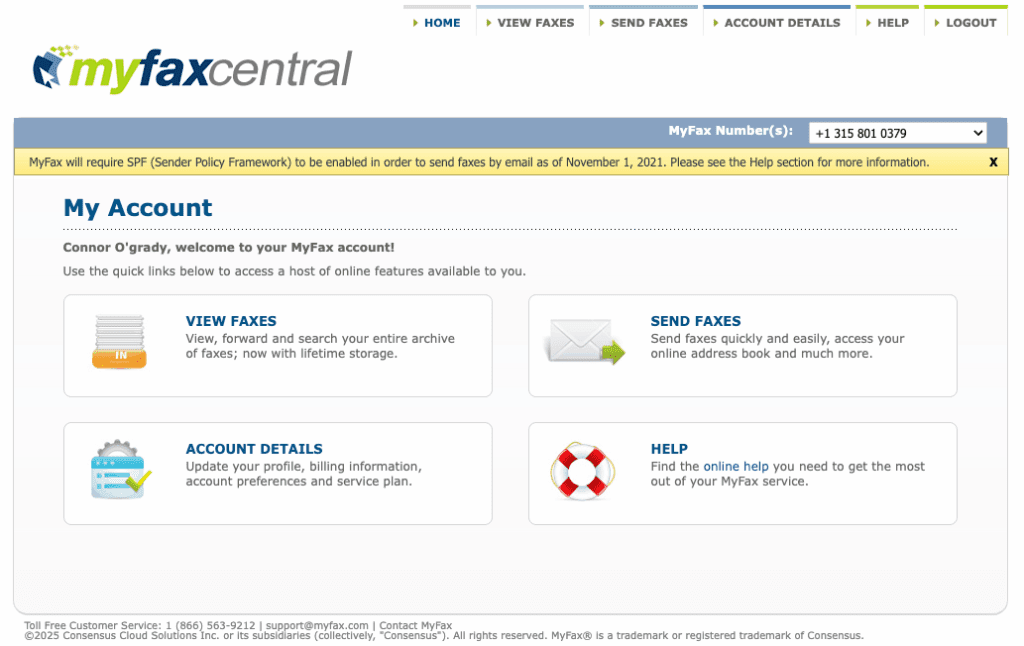
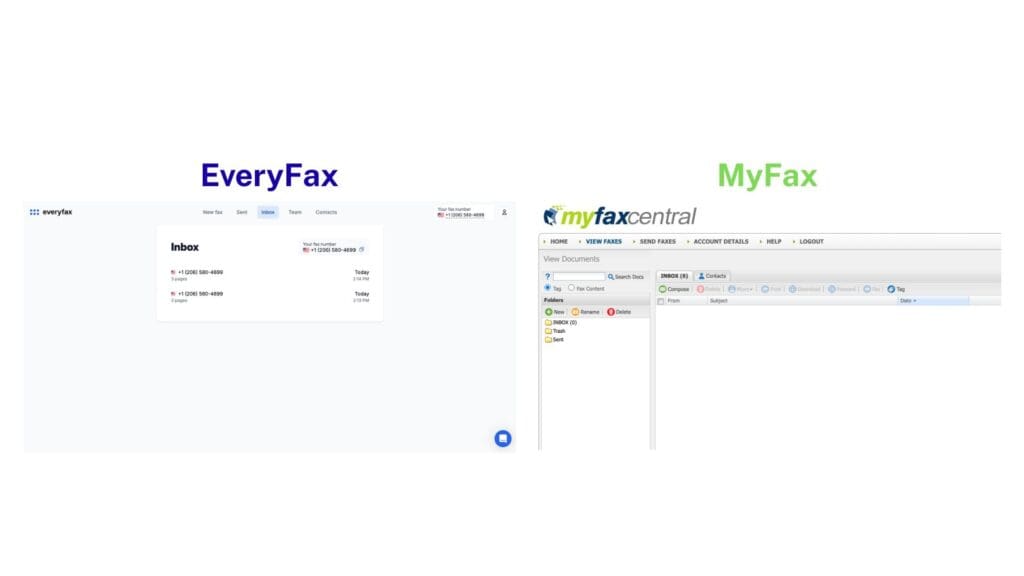
Firstly, the website is clunky to use, and feels more like a Windows 95 application than something a tech company would be offering in 2025. Anybody who has used eFax will recognize the same exact web design and interface for users – it’s just not nice to use, and leads to issues like the one we had after signing up, where we needed to refresh the entire page just to log in.
Take a look at the menu below to see an example of this – we’ve taken the EveryFax menu and compared it to MyFax – which one looks more modern, appealing, and easy & simple to use?
Side note – that little blue button in the bottom of the EveryFax menu is a live chat option, where you can speak to their AI or a customer service representative in real-time, getting instant responses.
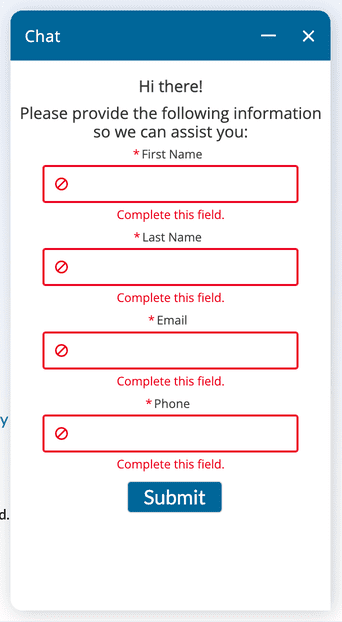
Below is an example of MyFax’s ‘Chat’ option, which isn’t a Chat option at all, but just a form you submit to wait for an email response.
We also had some functionality issues which made MyFax pretty frustrating to use. For example, there’s no way to see your outbox, or your ‘faxes in progress’ status. Once you send a fax, it disappears until it has sent, when it finally appears in your sent folder. This makes it hard to know if your faxes are being delayed, and why.
There’s also a big delay between sending a fax, and having that show up on your ‘Usage’ report, where you can track how many of your monthly pages you have sent. This makes it difficult to know how many pages you have left to send for the month.
Next, let’s talk about the mobile app. It’s very simple and basic, and not necessarily in a good way. One thing that bothered us was the in-app camera option for scanning documents. Many online fax services have clever software that turns your camera into a scanner, with automatic document detection and border cropping that makes it easy to scan perfect documents.
MyFax just opens up the camera, and it works like a regular camera – no clever scanning software. This means you aren’t getting a scan of a document – just a photo – so you’ll have issues capturing the edges of the document, and you will probably also end up faxing a picture of everything around the document!
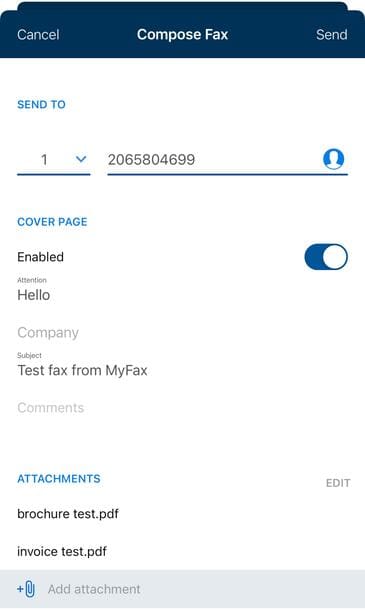
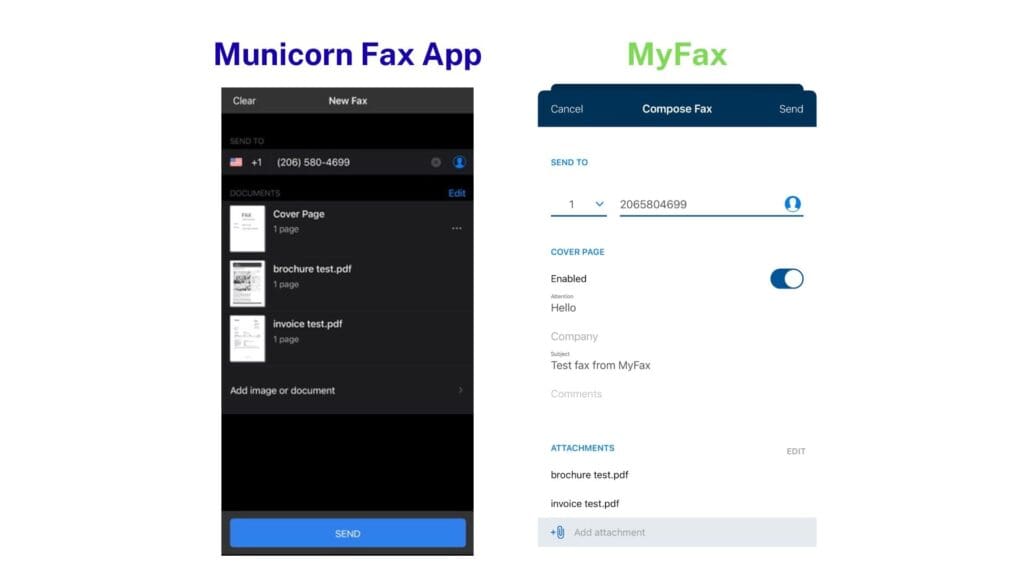
Beyond the scanning, the app is less easy and enjoyable to use than other apps. Compare the two ‘send’ menus below – the Municorn fax app includes helpful features like a flag to show the country you’re sending a fax to, a picture preview of all the documents you’re sending, and the fax number in the proper visual format – which makes it easier to read and check. The MyFax menu, in comparison, is harder to understand visually, and looks like less effort has gone into making it.
There’s one final problem with using MyFax – and it’s the same issue on eFax – it constantly logs you out! This means every time you reopen the web page or mobile app, you have to sign in all over again. This gets very annoying very quickly!